
How credit card processing works online? If you run an online business, accepting credit card payments isn’t optional anymore — it’s expected. But for many merchants, the actual process behind an online card transaction feels confusing, technical, and sometimes unreliable.
You might be asking yourself questions like:
- Why do some payments get declined even when customers have funds?
- Why does the money not appear in my bank account instantly?
- Who is taking a cut from each transaction — and why?
Understanding how credit card processing works online helps you reduce failed payments, avoid unnecessary fees, and run your business with more confidence.
Let’s break it down in simple terms.
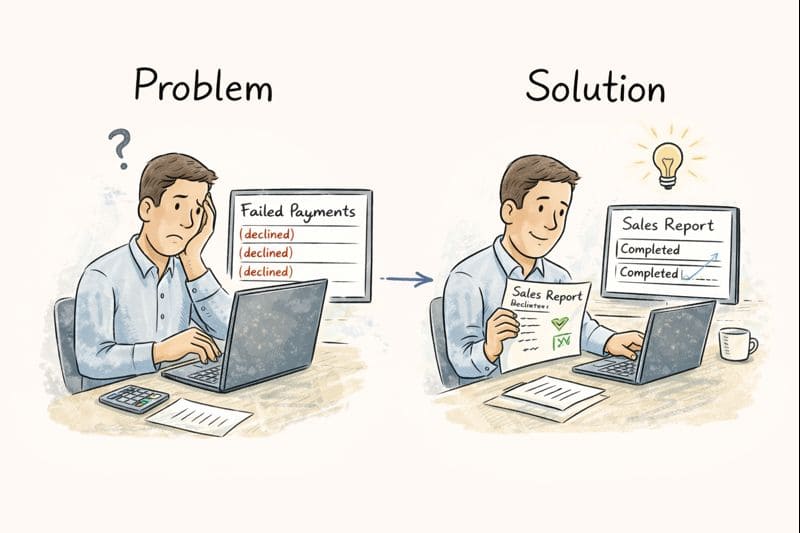
The Problem Most Online Merchants Face
From the outside, online payments look simple. A customer enters card details, clicks “Pay,” and the order goes through.
Behind the scenes, however, several parties are involved — and if one step fails, the entire transaction can be declined. Many merchants don’t realize this until they start seeing:
- High payment failure rates
- Delayed settlements
- Unexpected processing fees
- Customer complaints about checkout issues
Knowing how the process works allows you to identify where things go wrong and how to fix them.
What Is Credit Card Processing?
Credit card processing is the system that moves money from your customer’s credit card to your business bank account securely.
This process happens in seconds, but it follows a clear sequence involving:
- The customer
- The payment gateway
- The merchant account
- The issuing bank
- The card network (Visa, MasterCard, etc.)
Each step plays a specific role.
Step-by-Step: How an Online Credit Card Payment Works
1. Customer Enters Card Details
The process begins when a customer enters their card number, expiry date, and security code on your website’s checkout page.
At this stage, security is critical. The data is immediately encrypted to protect sensitive information from being intercepted.
Merchant pain point: Customers abandon checkout if the payment page looks unsafe or confusing.
Solution: Use a secure checkout with visible trust indicators and a reliable payment gateway.
2. Payment Gateway Transmits the Data
Once the customer clicks “Pay,” the payment gateway sends the encrypted transaction data to your payment processor.
Think of the gateway as a secure messenger. It does not approve or decline payments — it simply passes information safely between systems.
Merchant pain point: Slow or unreliable gateways cause timeouts and failed transactions.
Solution: Choose a gateway known for uptime, speed, and compatibility with your website platform.
3. Processor Communicates with the Card Network
Payment processor forwards the transaction to the appropriate card network, such as Visa or MasterCard.
The card network routes the request to the customer’s issuing bank — the bank that issued the credit card.
4. Issuing Bank Approves or Declines
The issuing bank checks:
- Is the card valid?
- Are sufficient funds or credit available?
- Does the transaction look suspicious?
Based on these checks, the bank sends back an approval or decline message.
Merchant pain point: Legitimate transactions sometimes get declined.
Solution: Work with a processor that offers fraud filtering and smart routing to reduce false declines.
5. Authorization Response Is Sent Back
The approval or decline travels back through the same path:
Issuing bank → card network → processor → payment gateway → your website.
All of this happens in a few seconds. The customer sees a confirmation message, and the order is either completed or rejected.
6. Funds Are Settled to Your Merchant Account
Approved transactions are not deposited immediately. Instead:
- Transactions are batched
- Sent for settlement
- Deposited into your merchant account
- Finally transferred to your business bank account
This usually takes a few business days.
Merchant Problem: They are expect instant deposits and get frustrated by delays.
Solution: Understand settlement timelines and choose a provider with clear payout schedules.
Who Takes a Fee — and Why?
Every online card transaction includes processing fees. These cover:
- Bank charges
- Card network fees
- Processor service costs
- Gateway usage fees
It can feel frustrating, these fees support fraud protection, infrastructure, and global payment acceptance.
The key is transparency. Merchants should know exactly what they’re paying and why.
Why Understanding This Process Matters
When you understand how credit card processing works online, you can:
- Diagnose checkout problems faster
- Reduce declined payments
- Choose better payment partners
- Improve customer trust
- Plan cash flow more accurately
Instead of guessing, you can make informed decisions that protect your revenue.
Final Thoughts
Online credit card processing doesn’t have to feel overwhelming. While multiple systems are involved, each step has it’s clear purpose.
The more you understand the flow — from card entry to settlement — the easier it becomes to spot issues, improve payment success, and grow your online business with confidence.
Payments shouldn’t be a mystery. They should be a reliable part of your operation.